
How to play on PlayPro360
From creating your team to live scoreboards — here's how every match works in the app.
General flow (all sports)
1
Create team & players
Add your team and register players with names and roles.
2
Create a match
Pick teams, date, and sport. Set up sport-specific options (toss, line-ups, etc.).
3
Update score (match creator)
Only the user who created the match updates the score — runs, points, outs, and more.
4
Everyone watches live
All other users see the live score and scoreboard update in real time.
5
Tournaments
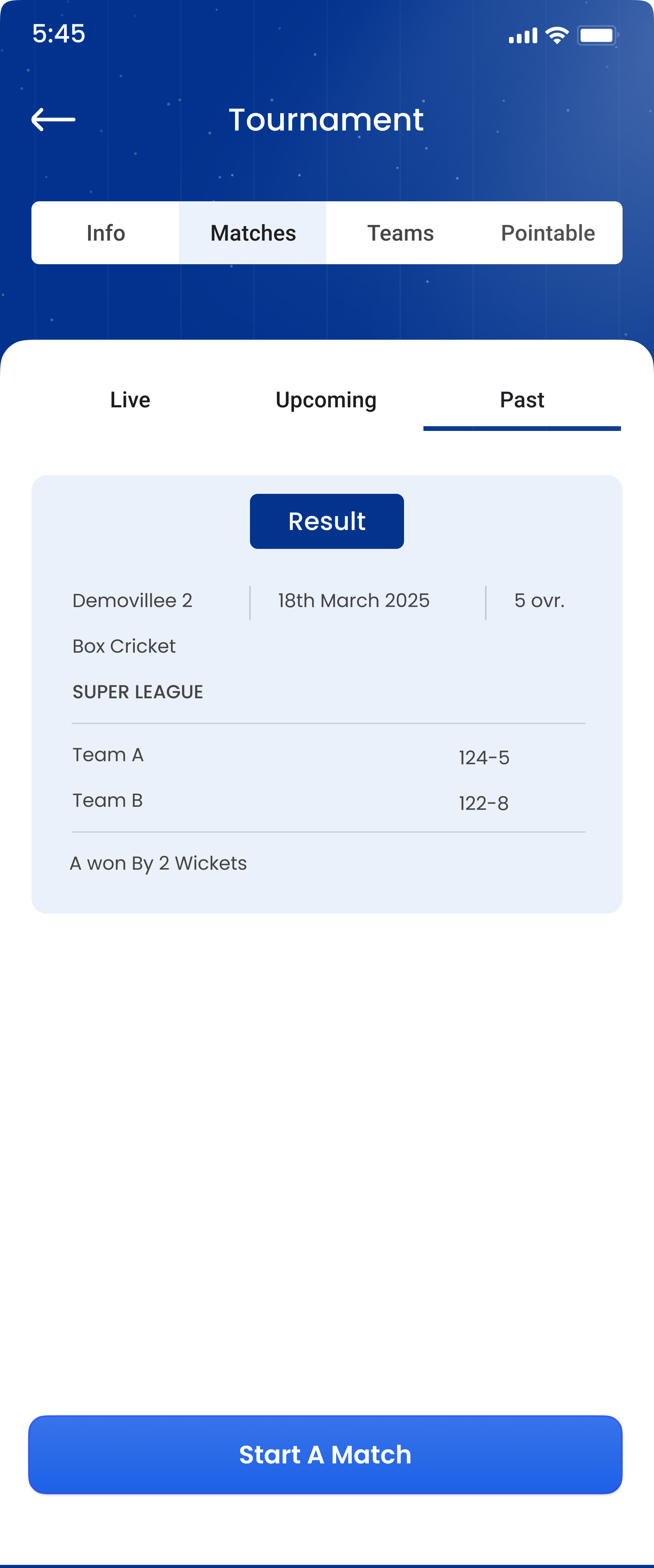
Create tournaments, add teams, schedule fixtures, and track points tables.
Cricket
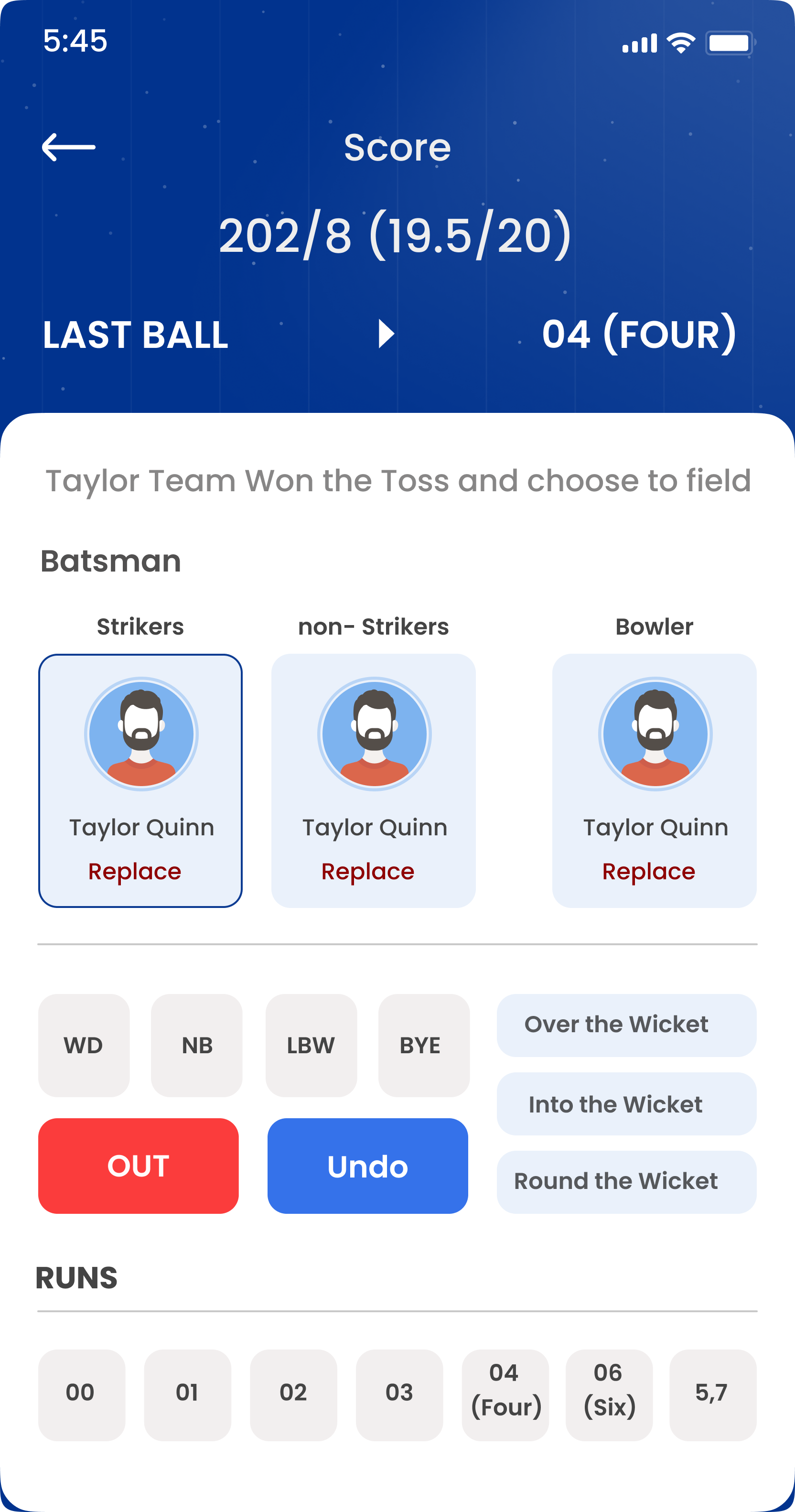
- Create match — Select two teams and match format.
- Toss — Record toss winner and choose bat or bowl.
- Opening players — Select opening batsmen and opening bowler.
- Live scoring — Match creator taps: 0, 1, 2, 3, 4, 6, wide, no-ball, out, etc.
- Scoreboard — All users see runs, wickets, overs, and striker/non-striker live.
- End match — Result saved; stats available with Pro subscription.
Volleyball
- Create teams — Add players to each squad.
- Start match — Set number of sets and starting line-up.
- Score points — Match creator adds points per rally for each team.
- Sets & rotation — Track set wins; app shows current set score live.
- Live view — Spectators and teams follow the scoreboard without refreshing.
- Tournaments — Round-robin or knockout formats with standings.
Badminton
- Add players — Singles or doubles — register all participants.
- Create match — Choose opponents and match type.
- Score games — Match creator updates points per rally.
- Games & sets — Track game wins; live score visible to all users.
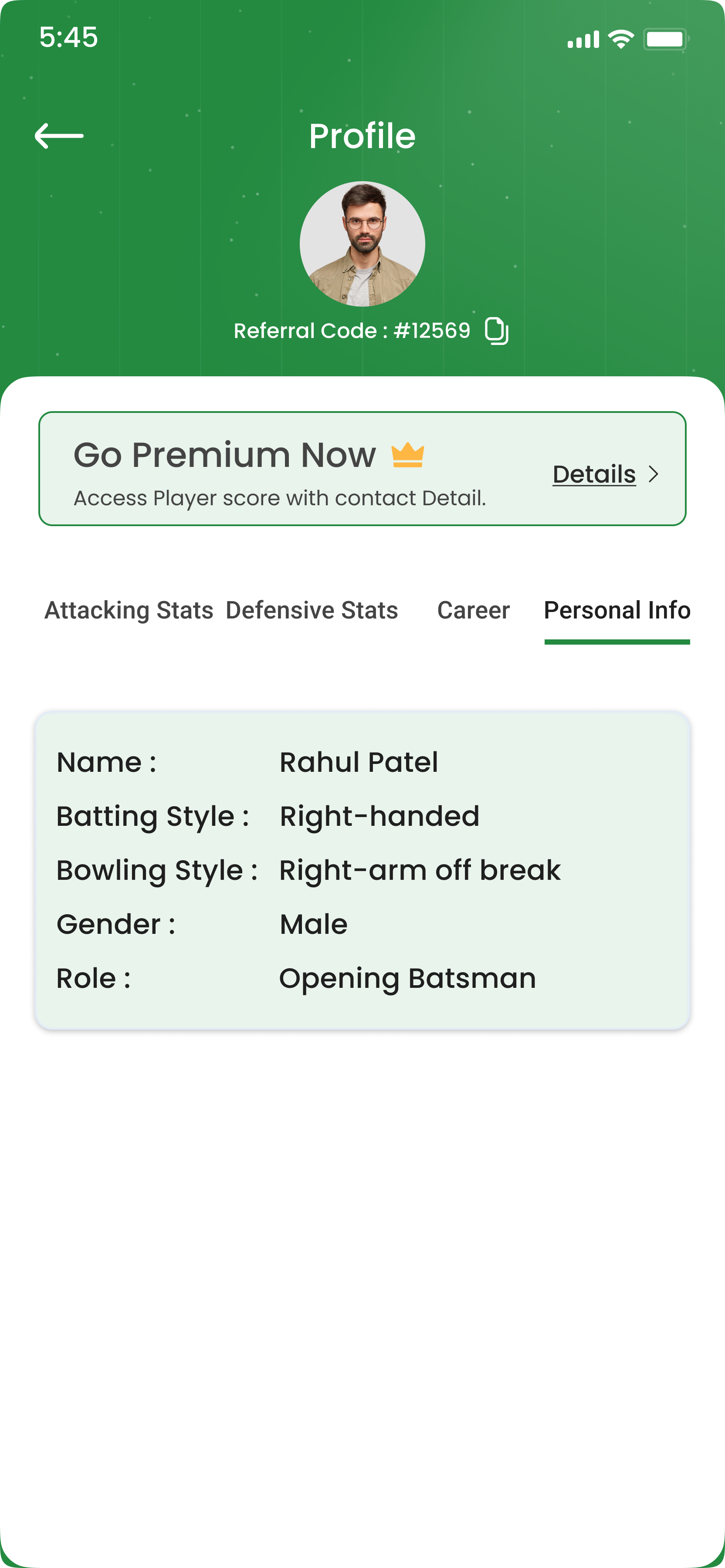
- Match result — Winner recorded; history saved in player profile.
- Club tournaments — Run knockouts or leagues for your badminton club.
Ready to start?
Download PlayPro360 and run your first match in minutes.